💾Guide
Two different checks in the right order: the SMART verdict from the physical drive, then First Aid volumes, container, device, with a decision table for Failing and Not Supported.
💾Guide
Inspect it, read its SMART record, run the short then the long self-test, check the file system last, then give it a trust, probation, or return verdict.
💾Guide
PowerShell health status, the reliability counters that matter (wear, errors, temperature), and what to do with each verdict, data first.
💾Guide
Clicking, beeping, grinding: what each sound means, the stop-first procedure, what not to run, and the sounds that are not your drive at all.
🛠️Interactive
Answer 3 questions and get a concrete backup setup with current Canadian prices: local drive, cloud offsite, and optional extras. Toggle items and watch the totals update.
🔊Warning signs
Clicking noises, sudden slowdowns, disappearing files, the warning signs worth taking seriously, and what to do first.
📊Guide
Your drive already monitors itself. Learn what SMART is, which attributes actually matter, and how to read the results.
🧰Guide
Built-in OS utilities, manufacturer diagnostics, and open-source monitors, what each category does and when to use it.
💾Guide
Three copies, two media types, one offsite. What the rule means and a practical setup you can build at home.
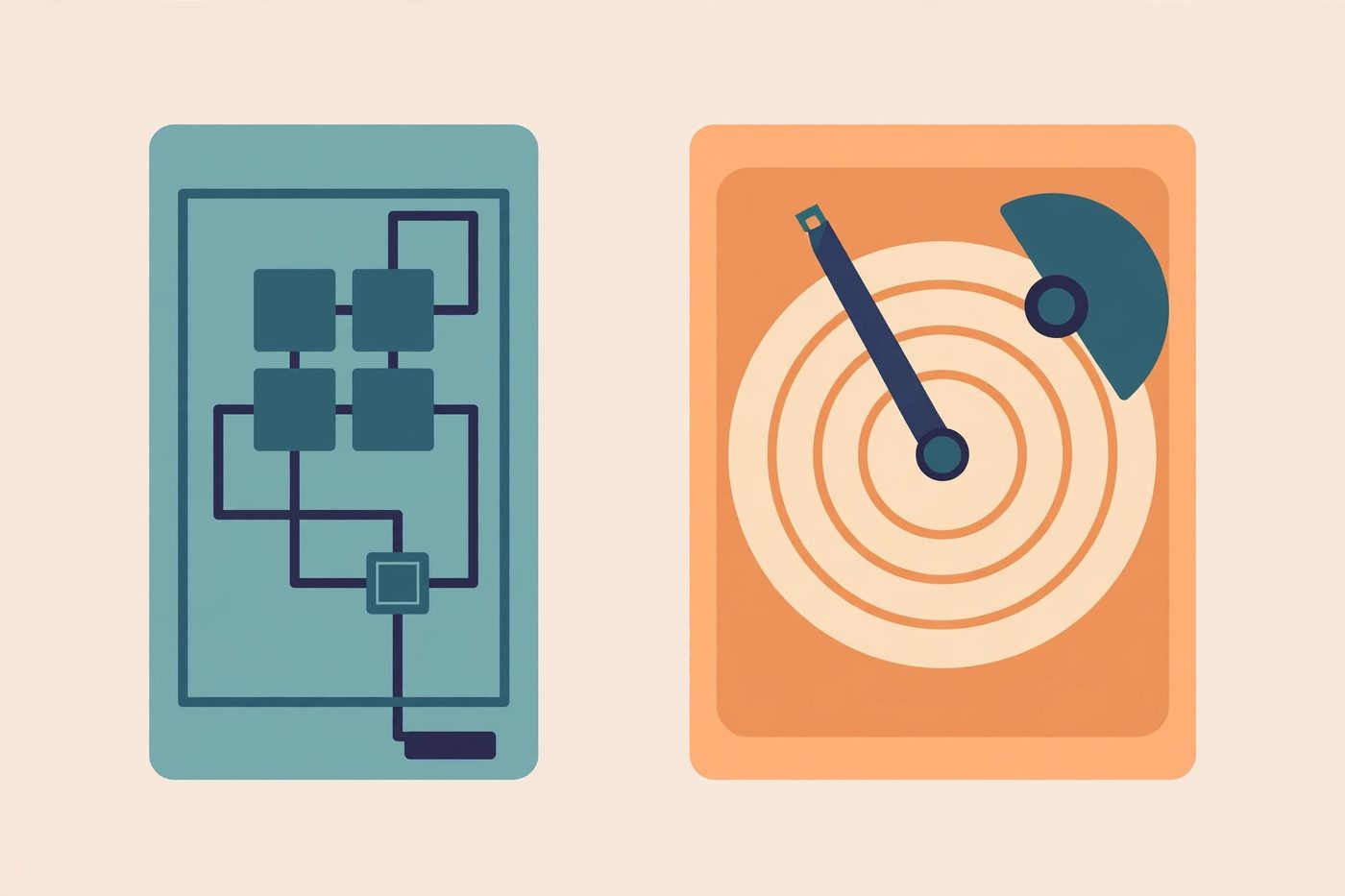
⚖️Guide
An honest comparison of how each type wears out, plus exactly what to do the moment you suspect failure.
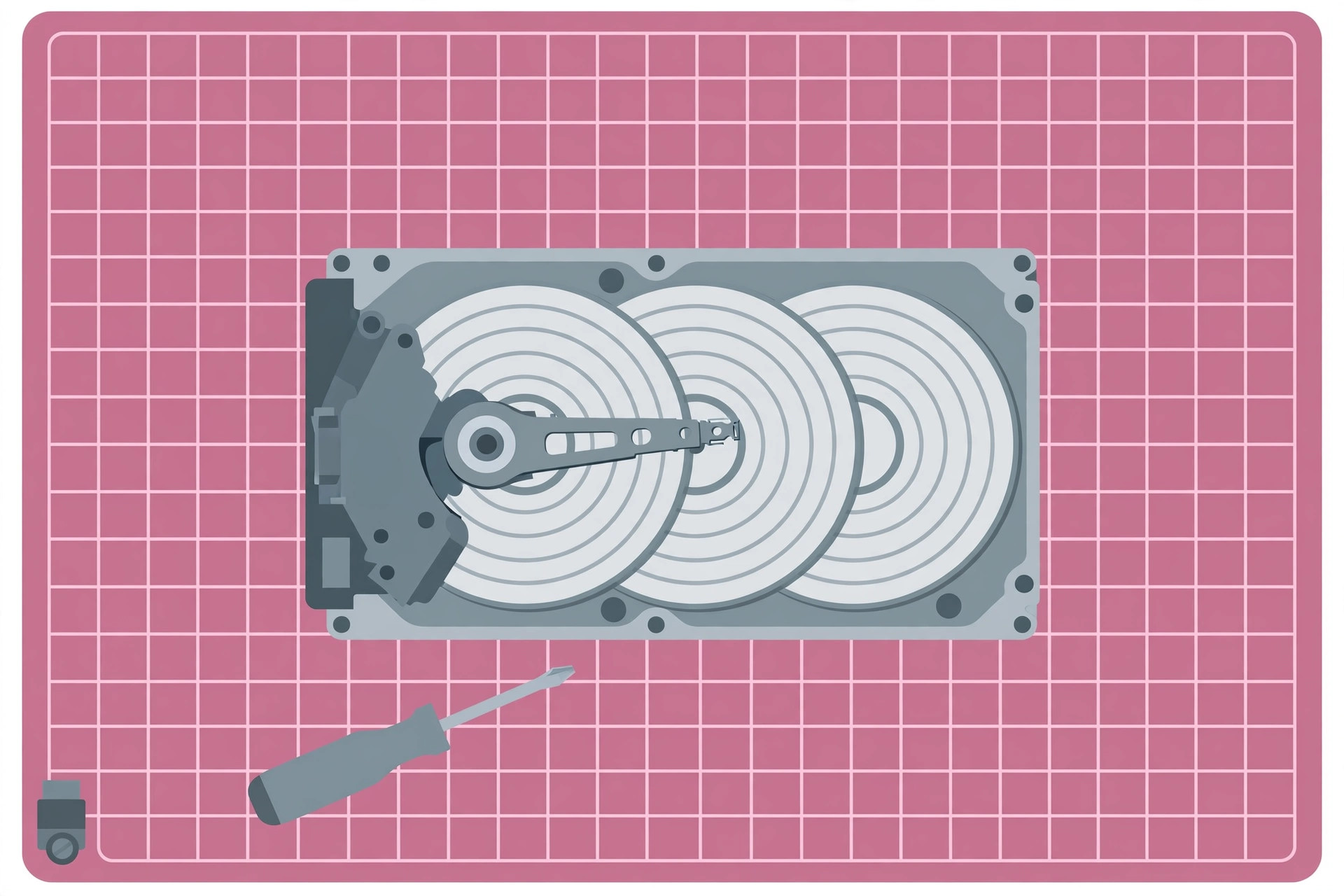
🛠️Guide
Which scan for your symptom, the GUI and command-line methods, and how to find the report after a restart.
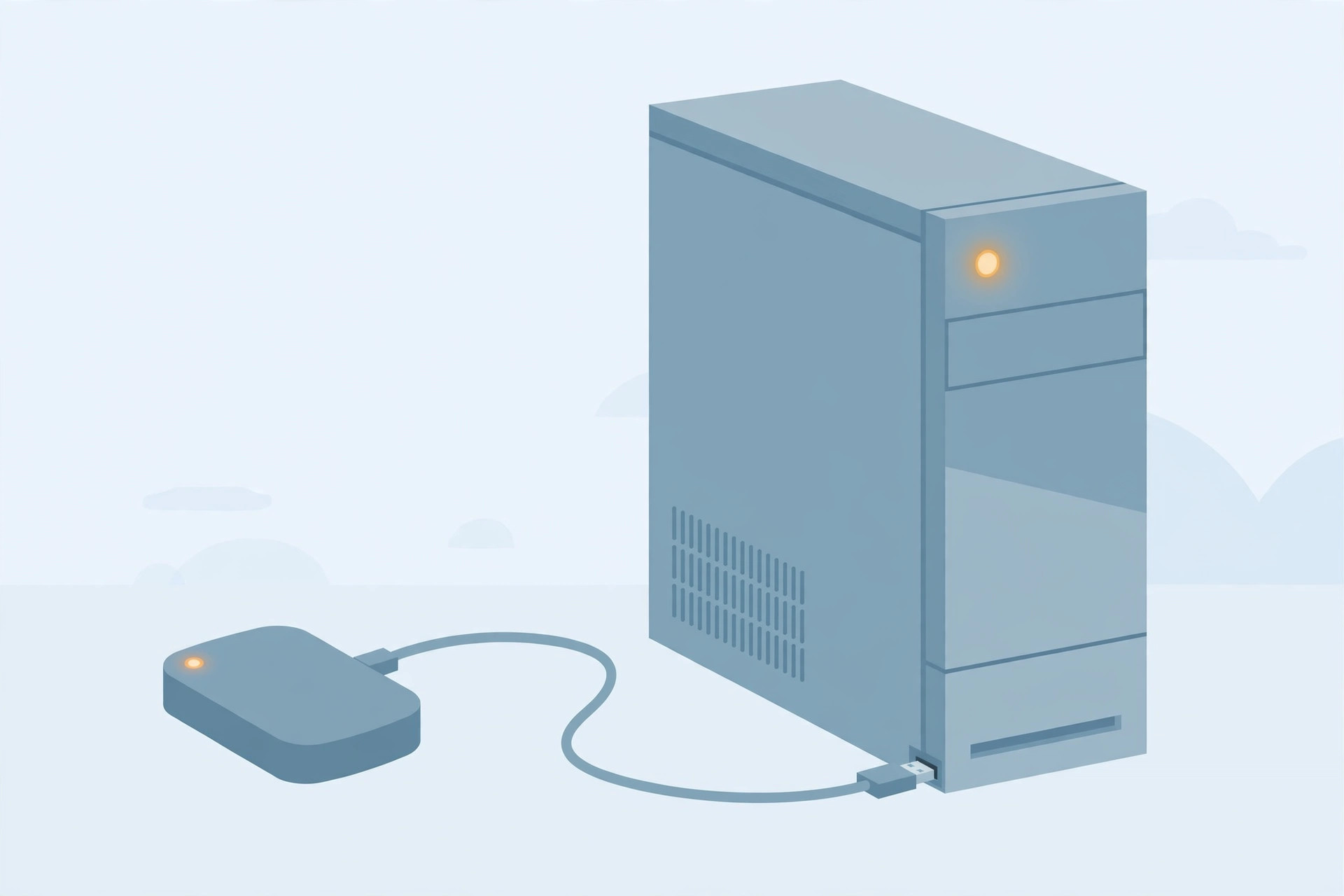
🔌Guide
Find where Windows sees the drive, then follow the matched fix path, in data-safe order.
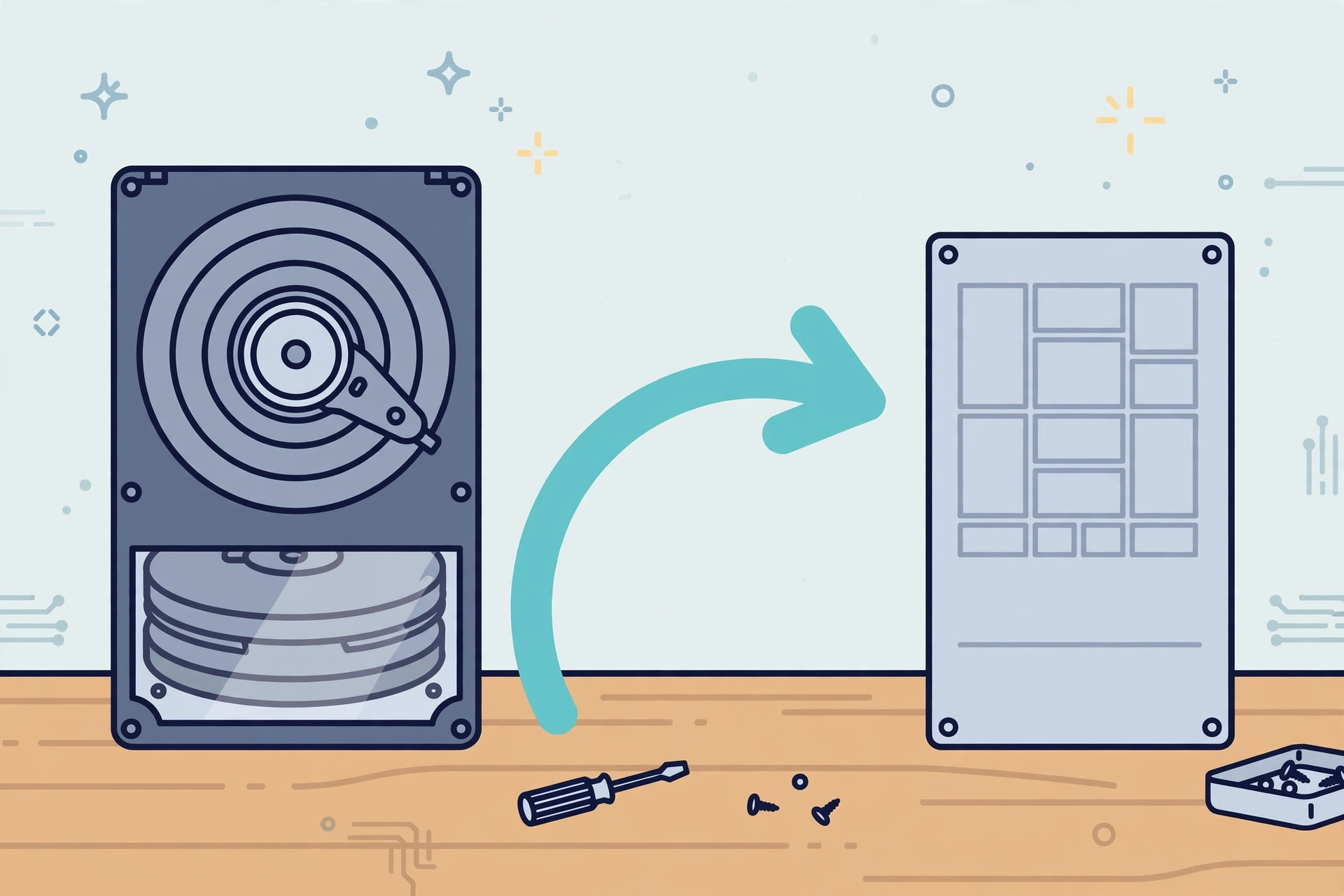
💽Guide
Clone vs clean install first, a pre-flight checklist, and the post-clone boot check when Windows won't start.
💾Guide
Disconnects and I/O errors often blame the disk when the cable, port, power, or enclosure bridge is at fault. A one-variable swap protocol that makes the fault identify itself.
💾Guide
Short samples, long reads the whole surface, conveyance checks transport damage. Match the test to the question, read the log line, and know when to run none of them.
💾Guide
The counter records power lost without warning, it does not score damage. A baseline method, the media-error field that does signal harm, and an ordered after-outage check.
💾Guide
Attribute 199 counts errors on the interface cable, not on the platters. Record a dated baseline, change one thing at a time, and read whether the count still climbs.
💾Guide
A backup job that reports success has not proved anything yet. Restore a small sample set to a separate folder, open every file, check an older backup date, and log the result.
💾Guide
Update when the release notes name your problem, back up first, use the maker tool for your exact model, and verify the new firmware version afterwards.